
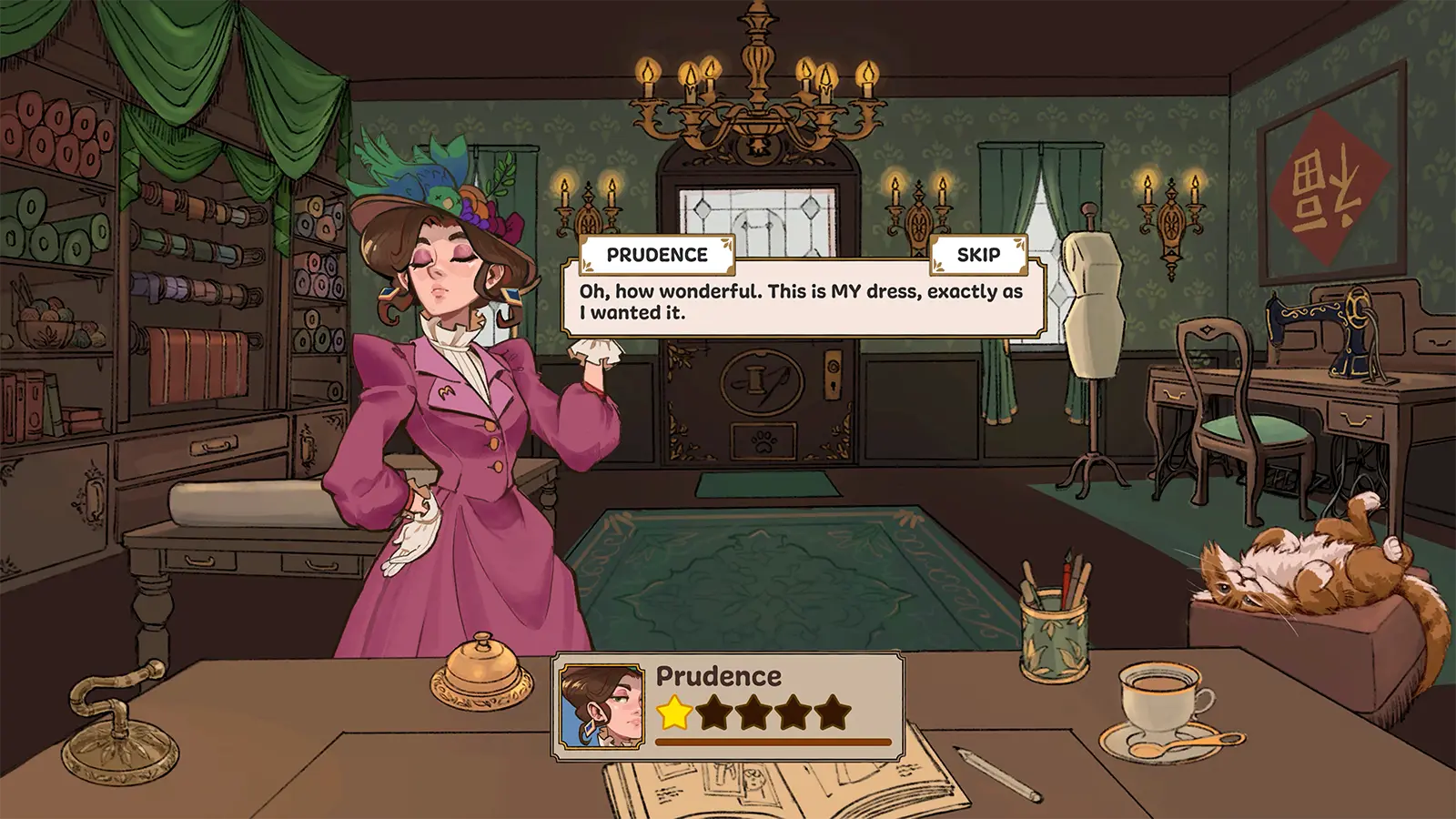
The sewing machine is the heart of Dressmaker, the cozy crafting game by Cozy Lives. After you design a dress in the sketchbook and cut your pattern pieces, sewing is where every commission is actually made — and where most quality points are won or lost. This guide explains exactly how the Dressmaker sewing machine works in the game, which controls to use, and how to keep your quality score above 90% on every seam.
Table of Contents
Where Sewing Fits in the Gameplay Loop
Every order in Dressmaker follows the same loop: read the customer's request, design in the sketchbook, buy fabric, cut the pattern pieces, sew, decorate, and deliver. Sewing is the fifth step and the most hands-on one. Unlike many fashion games, Dressmaker makes you physically guide fabric through a virtual sewing machine, which is why a perfect seam feels genuinely earned.
Your sewing score is capped before you even sit down at the machine. If pattern pieces were cut with misaligned grain lines, the damage carries into sewing — a misaligned cut caps the quality you can reach no matter how steady your seams are. Check every piece for its green outline while cutting, then move on to sewing.
How the Sewing Machine Works
When a seam starts, the game shows three things on the fabric:
- A dotted stitch line (often called the "marching ants" line) marking the exact path to sew.
- A red dot that travels along the line — this is your needle position.
- Your hand, which pushes the fabric forward under the needle.
Your job is to keep the red dot on the dotted line from the first stitch to the last. The game tracks a real-time quality score as you sew, shown as a percentage gauge next to the machine.
Controls (Prototype v0.5 and Later)
| Input | Action | Best For |
|---|---|---|
| Click and drag | Push fabric forward; mouse movement steers | Natural feel, long straight seams |
| Release | Stop sewing | Pausing to line up the next section |
| SPACE | Start and stop the machine | Keyboard control, precision work |
| Arrow keys | Guide fabric direction | Curves, corners, small corrections |
The keyboard option was added in v0.5 and many players find it steadier for tight curves. If the cursor ever feels twitchy on your setup, switching from mouse to SPACE plus arrow keys is the first thing to try.
The Real-Time Quality Score
Sewing quality is unforgiving in a useful way:
- 100% means you traced the stitch line almost perfectly.
- Straying from the line drops the score quickly — it can fall from 100% to 30% in a second of inattention.
- Drifting far off-track fails the seam and forces a restart of that section.
There is no penalty for pausing. Release the mouse or SPACE, reposition your angle, and continue. The machine only "runs" while you hold the input, so patience costs nothing.
Practical Sewing Tips
- Slow down on curves and corners. Straight seams tolerate speed; necklines and armholes do not. Short, careful pushes beat one long drag.
- Use the machine's momentum, don't fight it. The fabric keeps moving briefly after you stop pushing, so plan your stops just before a turn instead of at it.
- Try the speed limiter (v0.4+). If a seam feels too fast, slow the machine down rather than straining to keep up.
- Sew the tutorial dress first. The opening commission exists to teach this mechanic — a rough first dress is normal and doesn't block your run.
- Fix quality problems at the cutting table. If a seam never reaches 100%, the usual culprit is a grain line that wasn't horizontal when the piece was cut.
Common Sewing Problems and Fixes
| Problem | Likely Cause | What To Do |
|---|---|---|
| Hand shakes or twitches | Known bug in some versions | Switch to keyboard controls; report it on Discord |
| Can't see the stitch line on light fabric | Low contrast | Slow down and follow the pattern edge; the line is there |
| Quality stuck below 100% | Grain lines misaligned at cutting | Re-cut the piece with the arrow horizontal (green outline) |
| Machine sews while adjusting fabric | Intended behavior, like real sewing | Release SPACE/the mouse before adjusting your angle |
| Seam failed mid-curve | Drifted too far off the line | Restart the seam and take the curve in smaller pushes |
FAQ
Q: Does the sewing machine upgrade or change over the game? A: The machine itself is your workshop's fixture. What grows is your skill and the difficulty of the dresses — later commissions have longer seams, tighter curves, and stricter quality targets.
Q: Can I skip sewing and auto-complete a dress? A: No. Sewing is a core mechanic, and the quality score it produces feeds directly into the customer's evaluation. There is no auto-sew in the current version.
Q: Why does my quality drop even when I follow the line? A: Check your cutting first. Pieces cut with the grain arrow pointing up or down (no green outline) cap the final quality. Re-cut them before sewing.
Q: Is keyboard or mouse control better? A: Both work. Keyboard (SPACE plus arrows) gives steadier small corrections; mouse dragging feels faster on long straight seams. Try each on a practice dress.
Q: Where can I follow changes to the sewing mechanic? A: Dressmaker is actively updated. Check the official site and the Steam page for patch notes, and report control bugs in the official Discord.
Sources
Sources and known gaps
- Dressmaker Sewing Machine Parts Source accessed:
- Dressmaker Sewing Machine Source accessed:
- Dressmaker S-9000 Sewing machine demonstration Source accessed:
- Euro-Pro Dressmaker Sewing Center from Justdeals.com Source accessed: