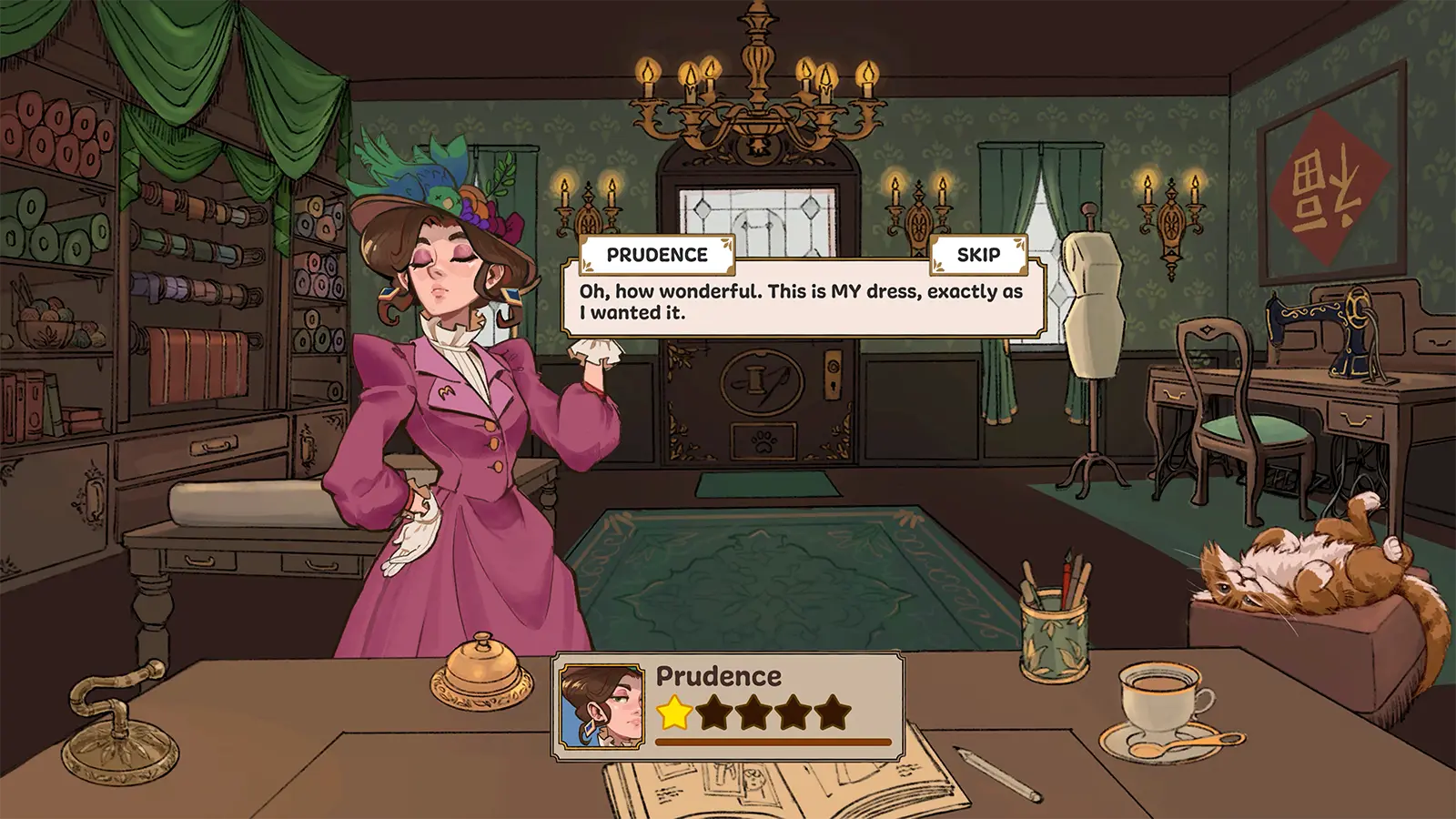
Design Stunning Dressmaker Coquette Dresses: Full Guide
Master the art of crafting dressmaker coquette dresses in the game. Learn about lace, bows, and vintage patterns to create the ultimate romantic aesthetic.
Published:
Table of Contents
Are you looking to elevate your digital wardrobe with the most charming aesthetic of the season? Creating dressmaker coquette dresses allows players to blend vintage romance with modern flair, resulting in designs that are both nostalgic and trend-setting. Whether you are a seasoned designer in Dressmaker or a newcomer exploring the Cozy Lives development, mastering the coquette style is essential for anyone wanting to capture the "soft girl" or "vintage doll" vibe that is currently dominating the community.
In the world of Dressmaker, the coquette aesthetic isn't just a trend; it's a celebration of hyper-femininity. By focusing on delicate details like lace, ribbons, and pastel palettes, you can produce dressmaker coquette dresses that stand out in any digital gallery. This guide will walk you through the specific mechanics, material choices, and design philosophies needed to perfect this look, ensuring your creations are as technically sound as they are visually stunning.
Quick answer
To create the perfect coquette look in Dressmaker, focus on a "more is more" approach with embellishments while keeping the base silhouette simple. Prioritize babydoll shapes, sweetheart necklines, and a heavy reliance on the "Bow" and "Lace" accessory layers.
Defining the Coquette Aesthetic for Your Designs
Before diving into the sewing machine mechanics, it is vital to understand what defines a coquette look within the Dressmaker engine. Based on community reports and current fashion trends, the coquette style is characterized by a "playful, romantic vibe." It draws heavily from Victorian and Rococo influences but interprets them through a lens of modern youthfulness.
When designing dressmaker coquette dresses, you are looking for soft fabrics, delicate ruffles, and flirty silhouettes. The goal is to create something that feels lighthearted and expressive. Unlike the "dark academia" or "grunge" styles also available in the game, the coquette palette is almost exclusively light, featuring whites, creams, and "ballet core" pinks.
Key Visual Pillars
Hyper-Femininity: Every element should lean into traditional feminine tropes—think ruffles upon ruffles.
Vintage Nostalgia: Elements like gingham patterns and corset-style bodices are staples.
Whimsical Details: Small touches like pearl buttons or tiny embroidered flowers make the design.
Choosing the Right Fabrics and Textures
The foundation of any great design in Dressmaker starts with the material selection. For dressmaker coquette dresses, the fabric choice dictates how the light interacts with the ruffles and how the dress "moves" in the game's preview mode. According to player experience, choosing a fabric with too much "weight" can ruin the airy feel of a coquette piece.
Fabric Type
Coquette Suitability
Visual Effect
Best Used For
Silk/Satin
High
High-gloss, luxury feel
Formal coquette evening wear
Cotton/Linen
Very High
Matte, soft, breathable look
Everyday babydoll dresses
Chiffon
Essential
Translucent, ethereal layers
Overlays and puff sleeves
Gingham
High
Patterned, picnic-chic vibe
Retro-inspired summer dresses
Tulle
Medium
Structured volume
Underskirts and dramatic ruffles
When you are in the material selection menu, pay close attention to the "Sheen" and "Softness" sliders. A coquette dress should rarely have a metallic or leathery sheen. Instead, aim for a soft, diffused glow that suggests high-quality cotton or expensive silk.
Mastering the Silhouette: From Babydolls to Corsets
The silhouette is the skeletal structure of your design. In Dressmaker, you have the freedom to modify hemlines and waistlines significantly. For the coquette look, two primary silhouettes dominate the community's favorites: the Babydoll and the Corset Midi.
The Babydoll Shape
The babydoll is perhaps the most iconic coquette silhouette. It features a high empire waist that starts just below the bust, flowing into a wide, voluminous skirt. This creates a youthful, almost doll-like appearance. When crafting this in-game, ensure you use the "Volume" tool on the skirt layers to give it that signature "poof."
The Corset and Lace-Up Back
For a more "romantic-vintage" take, many players opt for the corset bodice. Community reports suggest that using the "Lace-up Back" feature is a must-have for this style. It adds a level of detail that looks incredible in high-resolution screenshots. You can find the official Dressmaker Steam page to check for any recent updates to the corset-layering mechanics provided by developer Cozy Lives.
Silhouette Feature
Babydoll Style
Corset Midi Style
Waistline
Empire (High)
Natural or Dropped
Skirt Length
Mini (Above knee)
Midi (Below knee)
Bodice Fit
Loose/Flowing
Tight/Structured
Key Accessory
Oversized Bow
Ribbon Lacing
Essential Embellishments: Bows, Lace, and Ruffles
If the silhouette is the skeleton, the embellishments are the soul of dressmaker coquette dresses. This is where you can truly let your creativity shine. The Dressmaker accessory system allows for multiple layers of "attachments," which is perfect for this aesthetic.
The Power of the Bow
You cannot have a coquette dress without bows. In the game's attachment menu, try placing bows in non-traditional areas:
Shoulder Straps: Replace standard straps with "Self-Tie" ribbon bows.
The Bust: A single, centered bow can act as a focal point for a sweetheart neckline.
The Hemline: Small, repetitive bows along the bottom of the skirt add a rhythmic detail.
Lace Overlays and Borders
Lace is the secondary "must-have" texture. Use the "Transparency" tool in the pattern editor to create custom lace textures. Players often find success by applying a white floral lace pattern over a pastel pink base layer. This creates a 3D effect that looks much more complex than a simple flat texture.
The "Tiered" Secret
To get maximum volume and "swish" in your skirt, use the tiered ruffle tool. Instead of one long skirt piece, break the skirt into 3 horizontal sections (tiers), increasing the "Flare" value by 15% for each tier as you move downward.
Color Palettes: Beyond the Standard Pink
While pink is the "default" for many dressmaker coquette dresses, the aesthetic is actually quite broad. To make your designs stand out in the community, you should experiment with "mood-based" palettes. Community reports indicate that "Vintage Cream" and "Dusty Blue" are currently trending higher than standard "Barbie Pink."
Palette Name
Primary Hex Code
Secondary Accent
Vibe
Strawberry Milk
#FFD1DC
Pure White
Classic Coquette
Antique Porcelain
#F5F5DC
Gold/Brass
Victorian Romance
Cinderella Blue
#B0E0E6
Silver/Silk
Dreamy & Ethereal
Matcha Cream
#D0F0C0
Soft Brown
Nature-Inspired
When applying these colors, use the "Gradient" tool sparingly. A flat, solid color often works better for coquette styles because it allows the shadows created by the ruffles and lace to provide the visual depth.
Step-by-Step Guide: Crafting Your First Coquette Mini
Ready to start sewing? Follow this community-verified workflow to create a high-quality coquette mini dress in Dressmaker.
Base Selection: Start with a "Sweetheart Neckline Mini" template. This provides the perfect neckline for adding lace later.
Adjust the Waist: Move the waistline up by about 2 inches (using the Y-axis slider) to create that empire/babydoll feel.
Apply Pattern: Select the "Gingham" or "Small Floral" pattern. Set the scale to "Small" so the pattern doesn't overwhelm the small dress size.
Add the "Catie" Corset: Layer a corset-style overlay on the torso. Set the material to "Matte Cotton."
Lace Trim: Go to the "Edges" menu and select "Scalloped Lace." Apply this to the neckline and the bottom hem.
Ribbon Straps: Delete the default straps and add "Ribbon Tie" accessories to the shoulders.
Final Polish: Increase the "Fabric Stiffness" slightly so the ruffles hold their shape during the idle animation.
Common Mistakes to Avoid in Coquette Design
Even experienced players can fall into traps that make their dressmaker coquette dresses look "cluttered" rather than "cute." Based on player experience, the biggest mistake is over-complicating the color scheme.
Color Overload: Limit your palette to three colors: a base, an accent (lace/bows), and a detail color (buttons/stitching).
Heavy Textures: Avoid using heavy wool or leather textures. These clash with the light, airy philosophy of the aesthetic.
Proportion Issues: If your bows are too large, they will "clip" through the dress model during animations. Always test your design in the "Walk Cycle" preview before finalizing.
Error
Consequence
Fix
Oversized Bows
Visual clipping/glitching
Scale bows to 0.8x of the default size
Dark Linings
Ruins the "soft" glow
Use a light grey or cream for interior shadows
Too Many Patterns
Looks busy and cheap
Use 1 pattern (e.g., floral) and 2 solids
The Future of Coquette Designs in Dressmaker
As Cozy Lives continues to update Dressmaker, we expect to see even more specialized tools for this aesthetic. Community requests have centered around "dynamic ribbons" that react to wind physics and "sheer hosiery" layers to complete the look.
Participating in community design challenges is the best way to keep your skills sharp. Many players share their "lookbooks" on Steam, showcasing how they've pushed the limits of the dressmaker coquette dresses category. By studying these community reports, you can stay ahead of the curve and continue to produce designs that capture the hearts of players worldwide.
Performance Tip
Adding too many lace layers can occasionally cause frame rate drops in the preview menu on lower-end PCs. If your game starts to lag, try merging your lace textures into a single "Decal" layer rather than multiple individual accessory pieces.
FAQ: Mastering Coquette Style
What exactly defines a coquette dress in the game?
A coquette dress is defined by its romantic and playful elements. In the context of the game, this means using soft fabrics (like chiffon or cotton), delicate details (like lace, ruffles, and bows), and a silhouette that emphasizes a feminine, vintage-inspired look. It’s about creating a "dreamy" aesthetic.
How do I make my dressmaker coquette dresses look more realistic?
To achieve realism, focus on the "Material Properties" tab. Adjust the "Roughness" and "Metallic" sliders to near zero for cotton dresses. Additionally, use the "Layering" system to place lace under the hemline rather than just on top of it, which creates a more natural, sewn-in appearance.
Are coquette dresses only for "mini" lengths?
Not at all! While the babydoll mini is popular, "Catie Corset Midi" dresses are a huge part of the coquette movement. These longer dresses often use more "flow" in the skirt and are perfect for showing off intricate floral patterns or striped corset details.
Can I share my designs with other players?
Yes! The Dressmaker community thrives on sharing. You can export your design files or share screenshots in the Steam Community Hub. Many players use the "Coquette" tag to help others find their specific romantic-style creations. Using the keyword dressmaker coquette dresses in your design description will also help your work show up in internal searches!