
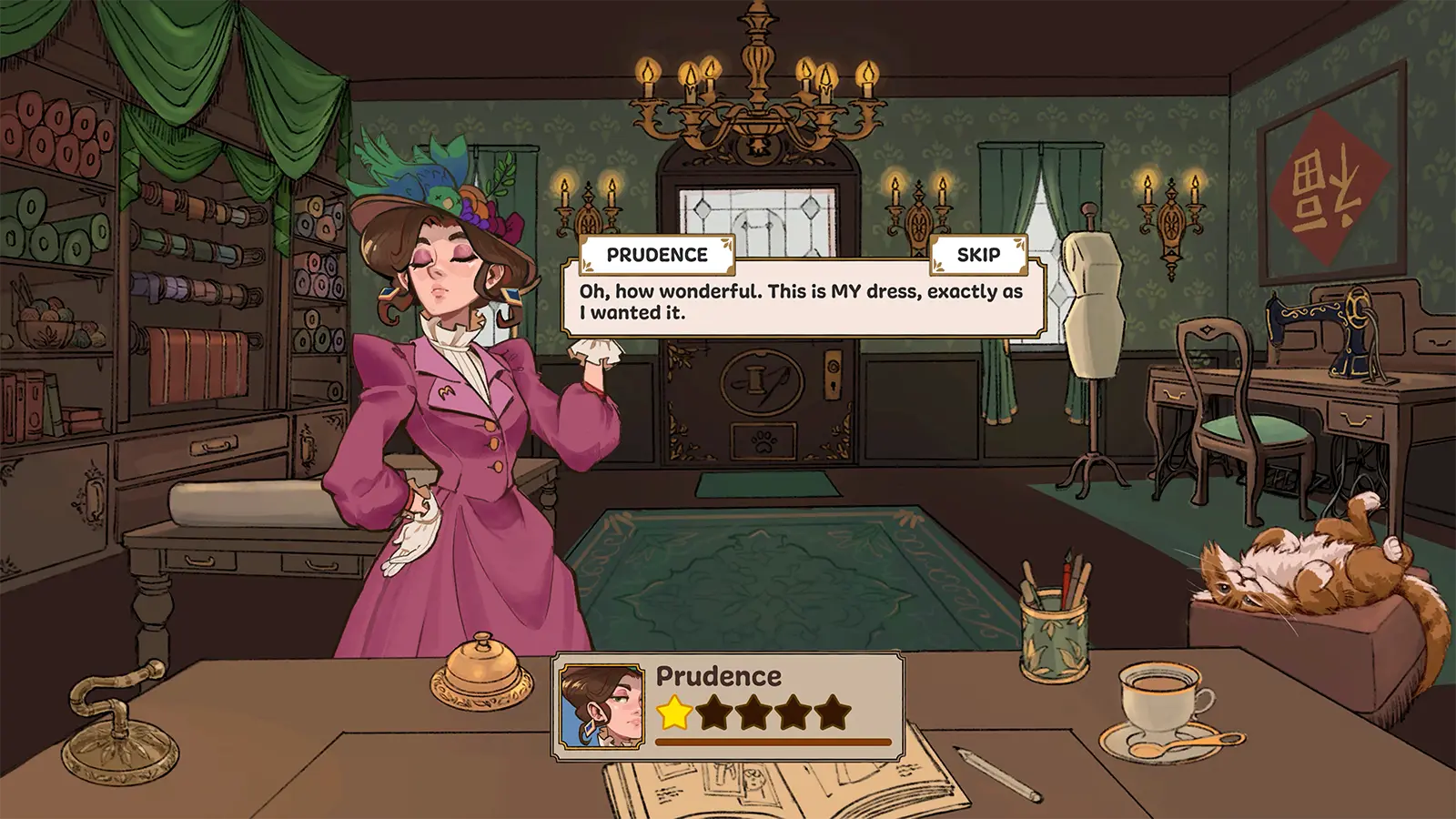
The dressmaker dummy — the mannequin standing in the corner of your shop — is one of the most quietly useful tools in Dressmaker. It previews how your pattern pieces come together, shows off every finished dress, and helps you catch decoration mistakes before a customer ever sees them. This guide covers everything the Dressmaker dummy does and how to get the most out of it.
Table of Contents
What the Mannequin Does in Dressmaker
Your dummy serves three roles across the gameplay loop:
- Fit preview during production. As you cut and sew pattern pieces, the growing dress is previewed on the mannequin so you can see the silhouette come together before the final seam.
- Decoration station. After sewing completes, the dress stays on the dummy while you pin appliqués, place buttons and bows, and add lace trim. This is where you judge whether a placement actually looks good.
- Display piece. A finished dress on the mannequin is the shop's showcase — and the game's best "before delivery" checkpoint to review your work.
Because the dummy is also where accessories can misbehave (see below), treating it as a QC step rather than just decoration saves a lot of regret.
Checking Your Dress on the Mannequin
When sewing completes, the game offers a choice: Complete Commission, Continue Working, Sell Dress, or Gift Dress. Choosing to continue working puts the dress on the mannequin for adjustments. Before you commit, check:
- Silhouette. Does the bodice, sleeve, and skirt combination match what the customer asked for?
- Tags versus look. The style tags you promised in the sketchbook (cute, elegant, romantic...) should be visible in the actual dress.
- Accessories. Rotate the camera and check every placement up close.
Camera Tips for Close Inspection
Use the zoom and rotation controls to circle the dummy. Accessories are placed on a live 3D dress, and what looks fine from the front can be floating or sunken at the sides. Two known quirks to watch for, noted by the developer as current limitations:
- Clipping. Accessories may clip into the dress on the mannequin, especially on trim placed over puffed sleeves or layered skirts.
- Lace placement. Lace can be glitchy to place — set it slowly and re-check after each piece.
Neither blocks delivery, but a quick orbit around the dummy catches the worst offenders while they are still fixable.
Display, Sell, or Gift?
The dummy is also where the end-of-commission decision happens:
| Option | What It Does | When to Choose It |
|---|---|---|
| Complete Commission | Delivers the dress to the waiting customer | The dress matches their request |
| Continue Working | Returns to decorating on the mannequin | Style tags or quality can still improve |
| Sell Dress | Sells it directly for coin | You made the dress for stock, not for a request |
| Gift Dress | Gives it away | Roleplay, or experimenting freely |
Every finished design is also saved in your sketchbook, so even after delivery you can review past creations — the dummy shows today's work, the sketchbook keeps your archive.
Common Mannequin Mistakes to Avoid
- Decorating before checking the silhouette. A perfect rose on the wrong dress shape still fails the style check.
- Judging only from the front. Customers see the whole dress; rotate the dummy before delivering.
- Skipping the preview after pattern changes. If you re-cut a piece mid-order, look again — the silhouette may have shifted.
- Placing all lace at once. With no full decoration undo documented yet, add optional trim in small steps.
FAQ
Q: Can I move the mannequin around my shop? A: The dummy is a fixture of your workshop scene. The camera can orbit and zoom around it, but shop layout itself is not editable in the current version.
Q: Does the mannequin show the customer's body shape? A: No. It is a standard display form. Fit comes from your pattern work, not from the dummy's proportions.
Q: Why does my accessory sink into the dress? A: Accessory clipping is a known limitation of the current version. Try a slightly different anchor point on the fabric, or choose a flatter placement.
Q: Is there an undo for decorations? A: There is a remove option for placed items, but no full undo route is documented yet — which is why slow, deliberate placement is recommended.
Q: Can I keep a dress on the dummy forever instead of delivering it? A: You can keep working on a dress, but story commissions progress by delivery. Selling or gifting is how a dress finally leaves the shop.
Sources
Sources and known gaps
- Dressmakers Mannequin Source accessed:
- Seamstress & Sewing Mannequins For Sale Source accessed:
- My Dressmakers Mannequin - Is It Worth The Investment Sewing Vlog Source accessed: